SitecoreAI Agent API 2.0: Running Agents from External Applications
The Short Version

SitecoreAI Agent API 2.0 is the point where agentic marketing work starts to look less like a chat feature and more like an integration surface. The API catalog describes Agent API as a REST API that lets AI agents take direct action in Sitecore through secure endpoints. The public SitecoreAI changelog for May 18, 2026 says v2.0 adds endpoints for experiments, personalization, briefs, and flow definitions, while deprecating selected v1.0 personalization paths and changing the brief generation path.
That combination matters for teams building external applications. A campaign operations portal, migration workbench, approval dashboard, DAM enrichment process, or CI job can call SitecoreAI through authenticated API requests instead of asking a human to drive every step through the UI. The external application does not replace SitecoreAI Agentic Studio. It becomes another controlled entry point for work that still has to obey identity, permissions, governance, and review.
The practical mental model is simple: an external application owns the trigger, orchestration state, and product-specific business logic. SitecoreAI owns the digital experience actions: pages, components, content, briefs, personalization, experiments, flows, and jobs. Agent API sits between those worlds. It converts a business event from the outside system into a SitecoreAI operation that can be authenticated, traced, audited, and recovered.
The phrase “running agents from external applications” needs precision. Public documentation confirms that Agentic Studio is where users run purpose-built agents and flows, create custom agents, configure agents, manage tools, reuse skills, manage schemas, and monitor jobs. The API catalog confirms Agent API endpoints for taking action in Sitecore. Sitecore’s March 30, 2026 changelog also says workflow agents can invoke standard agents, call external APIs, and invoke Agent API tools. What I would not claim, unless your tenant documentation or private preview docs confirm it, is that every custom Agentic Studio agent has a generic public “run this agent by ID” endpoint. The reliable integration pattern is to design external applications around the documented REST surface and the documented Agentic Studio workflow capabilities.
This article walks through how to think about that pattern. It covers the OAuth model, what changed in v2.0, how to build an external runner, what to avoid in production, and where governance has to sit. The examples are intentionally architectural. They use placeholder hosts and IDs because SitecoreAI tenants, environments, OAuth apps, and endpoint payloads vary by implementation.
What Agent API Changes For External Applications

Most Sitecore integrations before Agent API were built around lower-level concepts: items, fields, layouts, publishing, delivery indexes, edge keys, and custom middleware. Those APIs remain useful. They are still the right tool for many backend tasks. Agent API changes the shape of the integration because the operation is closer to what a marketer or content operations team asked for in the first place.
Instead of treating the CMS as a database with a tree and templates, the external application can issue calls that map to digital experience work. Public API pages list operations around pages, components, content, media assets, sites, jobs, personalization, experiments, briefs, and flow definitions. That does not remove the need to know Sitecore. It changes where you spend your effort. You spend less time hand-building a layout mutation and more time deciding what should be allowed, reviewed, batched, retried, and rolled back.
The v2.0 changelog is especially relevant for external applications because the new endpoint groups line up with the kind of work outside systems usually initiate. A campaign planning system wants briefs. A testing platform or optimization workflow wants experiments. A segmentation or account-based marketing tool wants personalization variants. A governance dashboard wants flow definitions and job status. These are not generic CRUD concerns; they are work units.
There is a useful boundary here. Agent API is not a magic escape hatch around modeling, workflow, localization, publishing, or review. It is an action surface. Your external app still needs a clear contract for inputs, target site, language, page identity, component identity, variant rules, allowed fields, and expected result. If your source system sends vague instructions, the API cannot make those instructions safe. The better pattern is to convert external events into structured commands before they reach SitecoreAI.
I prefer to treat Agent API as a command layer, not as a remote editor. A command layer is opinionated. It receives a request such as “create a Spanish campaign landing page using template X, attach brief Y, add approved hero component Z, and leave the item in draft.” A remote editor accepts arbitrary change instructions and hopes the caller behaves. The first pattern is testable. The second pattern tends to produce production surprises.
That opinion is contestable. Some teams will want maximum flexibility and will expose many endpoints directly to an internal automation platform. I would still put a narrow orchestration service in front of Agent API for business workflows. The reason is practical: most incidents in content automation come from valid API calls made at the wrong time, against the wrong target, or with inputs that were syntactically valid but operationally careless.
Authentication: OAuth Is The First Design Decision

The official Agent API authorization page states that Agent API uses the OAuth 2.0 authorization code flow for secure requests from external applications. It also says each application must have an OAuth app registered for Agent API. That is the first architectural fork: the external app is not just holding a static delivery key. It participates in an OAuth flow, receives tokens, and calls the API using those tokens.
That matters because an external application can represent a real user journey instead of a faceless integration account. A campaign manager launches a request in an internal portal. The portal redirects through OAuth. The resulting token carries the authorization context. The app then sends the SitecoreAI operation. Permissions and review do not disappear just because the UI is outside SitecoreAI.
GET /authorize
  ?response_type=code
  &client_id={agent_api_oauth_client_id}
  &redirect_uri={external_app_callback}
  &scope={approved_scopes}
  &state={csrf_token}

POST /oauth/token
Content-Type: application/x-www-form-urlencoded

grant_type=authorization_code
&code={authorization_code}
&redirect_uri={external_app_callback}
&client_id={agent_api_oauth_client_id}
&client_secret={client_secret}
The exact host and scope values should come from the registered SitecoreAI OAuth app and current Sitecore documentation for the tenant. The important design point is not the literal placeholder URL. It is the separation of concerns: the app requests authorization, stores tokens securely, refreshes them according to the provider contract, and never asks a frontend browser to hold long-lived secrets.
Use the authorization code flow as a product requirement, not just a security checkbox. Your app should make the user context visible before high-impact operations. Show the target tenant, site, language, workflow state, and action type. When a request fails because the token lacks scope, that failure should be treated as useful feedback. Do not auto-upgrade permissions just to make an integration demo pass.
Two implementation details save pain. First, store tokens in a server-side vault, not in local storage. Second, bind every outbound Agent API call to an internal request ID. That request ID gives you a way to answer basic operational questions: who asked for this, what source event triggered it, which SitecoreAI operation was attempted, what changed, and which recovery path exists if the result is wrong.
While preparing this article on August 25, 2026, the first media upload in this workflow returned HTTP 500 from the WordPress API with the message “Sorry, you are not allowed to upload this file type.” The image itself was valid; the temporary host delivered it in a way WordPress rejected. That tiny failure is the same class of problem you hit in SitecoreAI automation. The API call can be right, and the surrounding delivery path can still be wrong. Good integrations keep enough context to diagnose that difference.
What Changed In Agent API 2.0
The public SitecoreAI changelog dated May 18, 2026 is the cleanest source for the v2.0 change set. It says Agent REST API v2.0 introduces new endpoints for experiments, personalization, briefs, and flow definitions. It also lists deprecated v1.0 personalization endpoints and a breaking change to the brief generation path.
The new endpoint groups matter because they move Agent API closer to real marketing operations. Experiments let teams create and update component-level A/B/n tests. Personalization v2.0 lets teams create and list personalization variants for a page. Flow definitions let teams retrieve and configure personalization and experiment flows. Brief endpoints let teams retrieve and update briefs and brief type definitions. The changelog also states that the old personalization by-page and create-version v1.0 endpoints were scheduled for removal on August 4, 2026, and that the older brief generation endpoint is scheduled for removal on September 20, 2026.
| Area | Why it matters to external apps | Design response |
|---|---|---|
| Experiments | Optimization work can be initiated outside the Sitecore UI. | Require experiment naming, target component, variants, and review state before calling the API. |
| Personalization v2.0 | Audience-specific variants can be managed through a documented newer path. | Prefer v2 create/list endpoints in new code and isolate old paths behind migration adapters. |
| Flow definitions | External tools can inspect and configure flows tied to pages. | Cache flow metadata briefly, then re-read before high-impact writes. |
| Briefs | Campaign planning systems can connect planning artifacts to execution. | Treat brief IDs and brief type IDs as first-class inputs in orchestration. |
| Deprecations | Old clients can break after removal dates. | Add endpoint version tests and track deprecation dates in release notes. |
The versioning lesson is boring and valuable: hide API version details from business workflows. If the external app has a “Create personalized hero variant” button, that button should not know whether the underlying call is v1 or v2. Put the API path behind a small adapter. Then your migration task becomes “change the adapter and its tests,” not “hunt every old endpoint in portal code, worker code, and scripts.”
For existing integrations, the August 4, 2026 personalization date deserves a direct audit. Search for calls to /api/v1/personalization/by-page/{pageId} and /api/v1/personalization/{pageId}/versions. If they exist, treat them as active migration work. Search for /api/v1/briefs/generate as well, because the changelog says that endpoint is scheduled for removal on September 20, 2026. These are the sorts of dates that need to live in backlog tickets, not just in someone’s memory.
rg "/api/v1/personalization/by-page|/api/v1/personalization/.*/versions|/api/v1/briefs/generate" src tests scriptsThat command is not clever. That is why I like it. It catches the dangerous strings before a release. It gives reviewers something concrete to discuss. It also forces the team to decide whether compatibility code is temporary, tested, and documented.
Request Contracts Beat Prompt Strings
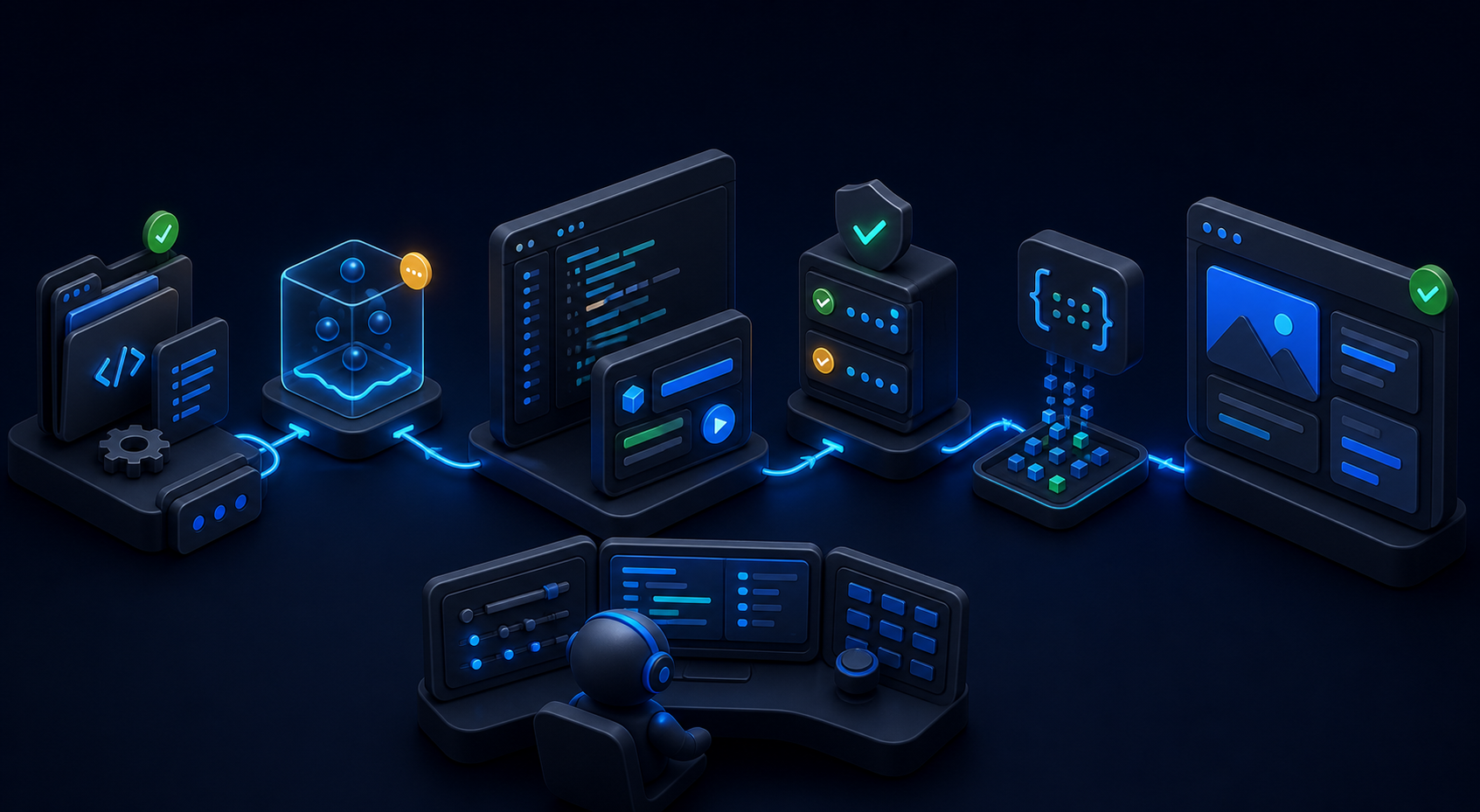
The most common mistake in agentic integrations is passing a prompt where the system needs a contract. A prompt is useful for generation and reasoning. A contract is what lets a production system decide whether work should happen. External applications should turn open-ended user intent into typed commands before a SitecoreAI operation is attempted.
A good command is boring. It names the action. It carries the actor. It carries the target site and language. It references approved source material. It declares whether the result should be draft, pending review, or ready for another workflow. It gives the runner enough data to reject the request before the request reaches SitecoreAI.
{
  "requestId": "campaign-2026-08-25-es-homepage-hero-v1",
  "actorId": "user-1247",
  "tenantId": "tenant-placeholder",
  "environmentId": "prod",
  "siteId": "brand-site",
  "language": "es-EC",
  "action": "create_personalization_variant",
  "sourceBriefId": "brief-8831",
  "pageId": "page-1042",
  "reviewMode": "human_required"
}
That JSON is not a Sitecore-published schema. It is an application-side contract. The distinction matters. You should not ask SitecoreAI to interpret every part of your business workflow. Your own service should know which values are allowed, which defaults are dangerous, and which fields are required by your organization.
Put validation close to the queue. The UI can guide the user, but the runner has to protect the system. UI validation catches mistakes early. Server validation catches everything else. If a request says environmentId: prod and reviewMode: none for a high-risk action, the runner should stop it even if the UI somehow allowed it.
Contracts also help with AI-generated outputs. If an Agentic Studio workflow returns structured JSON through a schema, your external system can parse and verify it before taking a downstream action. The official Agentic Studio settings documentation describes reusable schemas and HTML templates. That is a clue for integration design: treat structure as a shared asset, not as an afterthought in a chat transcript.
A Production Runner Pattern

An external application should not call Agent API directly from every button, webhook, cron job, and migration script. That spreads authorization, retries, logging, and policy across too many places. A better pattern is a small runner service. The runner receives normalized work requests, validates them, calls SitecoreAI, stores the result, and exposes status back to the product UI.
A solid runner has seven parts. It has an intake endpoint for requests. It has a queue so the caller does not wait on long work. It has a token service for OAuth handling. It has a policy layer that checks action, tenant, site, language, user, and environment. It has an Agent API client with typed request and response contracts. It has a job store for state. It has observability hooks for logs, metrics, and traces.
- The external app receives a business event, such as “launch localized campaign page.”
- The app converts that event into a command with target tenant, site, language, content source, action type, and user context.
- The runner validates the command against local policy.
- The runner obtains or refreshes the OAuth token for the authorized user or integration context.
- The Agent API client calls the documented endpoint.
- The runner stores the request, response, correlation ID, and any returned job or entity IDs.
- The external app shows status and next actions to the user.
Do not skip the job store. Even if Agent API returns quickly for a given endpoint, the business operation may not be complete from the user’s point of view. A page may be created but not reviewed. A personalization variant may exist but not be activated. A brief may be updated but not approved. A job store lets your app speak in terms the user understands: queued, running, waiting for review, completed, failed, reverted.
A runner also makes testing sane. You can test policy without calling SitecoreAI. You can test payload generation using fixtures. You can test retry behavior with fake 429, 500, and timeout responses. You can test idempotency without creating duplicate pages. Direct browser-to-Agent-API calls make those tests harder and make incidents harder to unwind.
type AgentCommand = {
  requestId: string;
  actorId: string;
  tenantId: string;
  environmentId: string;
  siteId: string;
  language: string;
  action: "create_page" | "create_personalization" | "update_brief";
  payload: Record<string, unknown>;
};

async function runAgentCommand(command: AgentCommand) {
  await policy.check(command);
  const existing = await jobStore.findByRequestId(command.requestId);
  if (existing) return existing;
  const token = await tokenService.getAccessToken(command.actorId);
  const job = await jobStore.create({ requestId: command.requestId, status: "running", command });
  try {
    const result = await agentApi.execute({ token, command });
    return await jobStore.complete(job.id, result);
  } catch (error) {
    await jobStore.fail(job.id, normalizeAgentApiError(error));
    throw error;
  }
}
The key is the requestId. Give every business operation a stable ID before it reaches the queue. Use that ID in logs and job records. If the user retries after a timeout, the runner can return the existing job instead of creating duplicate SitecoreAI work. Idempotency is not glamorous, but it is one of the differences between a demo and an integration that survives Monday morning traffic.
Implementation Details That Decide Whether This Feels Safe
The first implementation trap is thinking the API client is the integration. It is not. The client is only the transport boundary. The integration is the decision system around it: which action is requested, which target is legal, which payload shape is accepted, which user can approve, which result counts as done, and which failure can be retried.
Start with a thin but strict client. Do not expose a generic post(path, body) helper to the rest of the app. Give the app named methods that match business tasks. A named method can validate required IDs, normalize language values, attach correlation IDs, and map errors into user-facing states.
class SitecoreAgentApiClient {
  constructor(private readonly http: HttpClient) {}

  async listFlowDefinitionsByPage(pageId: string) {
    return this.http.get(`/api/v1/flows/by-page/${encodeURIComponent(pageId)}`);
  }

  async createPersonalizationVariant(pageId: string, body: CreateVariantRequest) {
    validateCreateVariant(body);
    return this.http.post(`/api/v2/personalization/${encodeURIComponent(pageId)}/versions`, body);
  }
}
That client still depends on the exact API catalog for request and response schemas. Use generated types if your team has access to the OpenAPI document in a stable way. If not, keep hand-written types small and covered by integration tests. The worst option is a large untyped request body assembled across several UI components. It becomes hard to review and hard to debug.
Make environment targeting explicit. SitecoreAI work can affect production content. A request should carry tenant, environment, site, and language. The runner should compare those values against the authenticated context and the app’s own allowlist. If your staging portal can call a production SitecoreAI environment because of one copied environment variable, the problem is not Agent API. The problem is your deployment contract.
I like a two-file configuration model. One file contains static app configuration: allowed tenants, redirect URI, environment names, and feature flags. The secret store contains client secrets and token encryption keys. Keeping those separate makes peer review easier. Reviewers can inspect the allowed production targets without seeing secrets.
AGENT_API_BASE_URL=https://{tenant-or-region-specific-host}
AGENT_API_OAUTH_CLIENT_ID={client_id}
AGENT_API_REDIRECT_URI=https://ops.example.com/oauth/sitecore/callback
AGENT_API_ALLOWED_ENVIRONMENTS=dev,qa,prod
AGENT_API_DEFAULT_TIMEOUT_MS=30000
The timeout value is an example, not a Sitecore-published limit. Pick it based on the endpoint behavior you measure in your tenant. For write operations, set the HTTP timeout lower than the user’s patience and higher than ordinary network jitter. Then move slow work to a queue. A button that spins for two minutes teaches users to click twice. A queued job with visible state teaches them to wait or cancel.
Error mapping deserves its own test file. Treat authentication errors, authorization errors, validation errors, not found errors, conflict errors, rate limits, transient server errors, and unknown errors differently. A user can fix a validation error. An admin can fix a permission error. A worker can retry a transient error. Unknown errors need correlation data and a support path.
Governance: The API Can Write, So The Product Must Decide
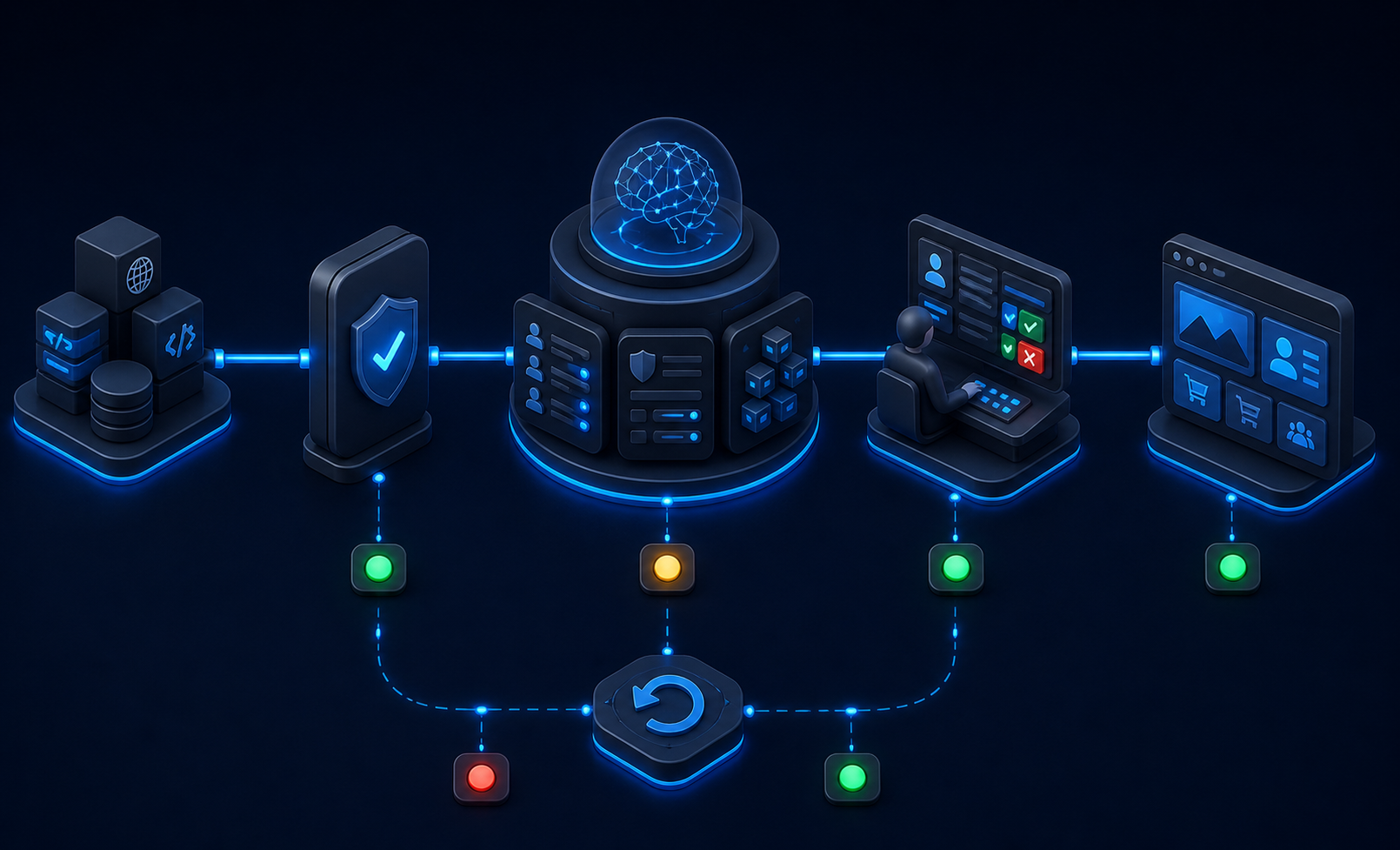
Agent API makes external applications powerful because they can trigger work in SitecoreAI. That power is also the risk. The governance question is not “can the endpoint do it?” The better question is “should this caller be allowed to do it now, in this environment, for this content, with this review state?”
Build policy before you build scale. Policy should answer four questions. Which action is allowed? Which target is allowed? Which actor is allowed? Which approval state is required? If you cannot answer those four questions in code, your integration is running on trust and UI convention.
Use risk tiers. A read-only call that lists flow definitions does not need the same review as a call that creates a personalization variant on a high-traffic page. A brief update may be low risk in draft and high risk after approval. A component-level experiment may be safe on a sandbox site and sensitive on a regulated product page. Risk is contextual, so policy has to see more than endpoint name.
| Risk tier | Example action | Control |
|---|---|---|
| Low | Read page HTML, list components, inspect flows | Authenticated user, logged request |
| Medium | Create draft page, update draft brief | Role check, field validation, post-action review |
| High | Create personalization variant, configure experiment flow | Role check, preview, human approval, rollback plan |
| Critical | Bulk content changes across languages or sites | Batch limits, staged rollout, sampled review, recovery drill |
Do not make human approval a vague ceremony. Approval should have an artifact. Show the before state, proposed after state, target IDs, source event, actor, and exact action. Store the approval decision next to the job. If a reviewer clicks approve, the system should know what they approved. If the payload changes after approval, require approval again.
Rollback also needs specificity. Some Agent API-related tooling exposes job concepts and recovery patterns, but your app should not assume every operation can be undone with a single call. For each command type, document the recovery path. Delete the created draft. Restore the previous field value. Disable the variant. Revert the flow configuration. Re-run from the last safe checkpoint. Recovery that only exists in a diagram is not recovery.
My admitted limitation: I have not tested these patterns against every SitecoreAI tenant configuration or every private Agentic Studio feature flag. The public docs are enough to design the integration shape, but tenant-specific endpoint availability, scopes, and payload details must be verified against your SitecoreAI environment before release.
Testing The Integration Before A Marketer Trusts It
Testing should cover more than happy-path HTTP calls. The product risk is wider than that. A tested integration needs unit tests for command validation, contract tests for request builders, integration tests against a non-production SitecoreAI environment, and manual review tests for the approval workflow.
Start with fixtures. A fixture should represent a real business command with tenant, site, language, actor, and payload. Keep fixtures small enough for reviewers to read. Then build tests that answer concrete questions: Does the runner reject a production write without approval? Does it reject a page ID from a different site? Does it preserve the same request ID across retries? Does it stop a deprecated v1 endpoint from being used in new code?
Test OAuth failure paths deliberately. Expired token. Missing scope. Revoked app. Bad redirect URI. User without access. These are not edge cases in enterprise software; they are Tuesday. The user experience should tell the user what to do without exposing secrets or internal stack traces.
Test payload drift. SitecoreAI and Agent API will evolve. Your app should notice when a response shape changes in a way that breaks assumptions. If you generate client types from OpenAPI, include generation in CI and review schema changes. If you hand-write types, put integration tests around the fields your app actually reads.
One test I would insist on is duplicate submission. Trigger the same business command twice. The expected result should be clear. For a create-page command, maybe the runner returns the original job. For an update-brief command, maybe it creates a new revision. For a personalization variant, maybe it rejects the second request unless the caller explicitly asks for a new variant. Pick the rule before users discover the default.
Operations: Jobs, Retries, Idempotency, And Recovery
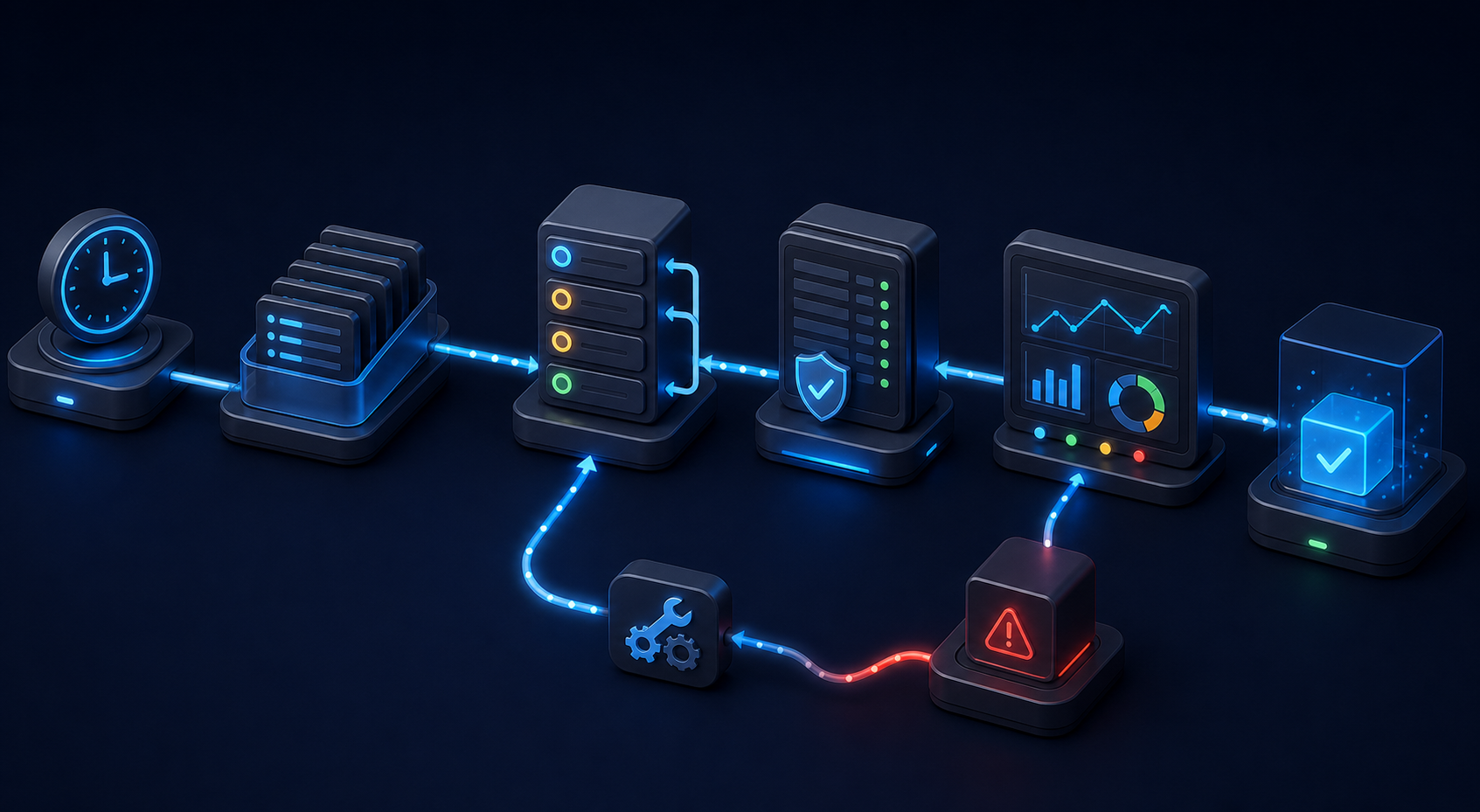
Operational design is where external Agent API integrations either become trusted internal tools or permanent experiments. The API call is one moment. The operation has a life cycle. Someone requested it. Something was queued. A token was acquired. A payload was sent. SitecoreAI accepted, rejected, or partially completed the work. A user expected a visible result.
Track that life cycle in your own system. Store request ID, actor, source system, action type, target IDs, request payload hash, response summary, created or updated entity IDs, status, timestamps, and error category. Do not store secrets or full access tokens in job logs. Do store enough detail to reconstruct what happened.
Retries need rules. Retry timeouts and transient 5xx responses. Do not retry validation failures. Do not retry authorization failures until the user re-authenticates or permissions change. Be careful with conflict responses. A conflict may mean the target changed since preview, which should send the job back to review rather than brute-force a second write.
Use idempotency at the business-command level. If the external app sends campaign-2026-08-product-launch-es-landing-page twice, the runner should know whether that is a duplicate, a legitimate update, or a new version. The answer depends on your workflow. Build it deliberately. Duplicate pages are easy to create and annoying to explain.
- Requests by action type.
- Success and failure counts by endpoint family.
- Median and p95 duration for runner jobs.
- Retry counts by error category.
- Approval wait time.
- Rollback count and reason.
Those metrics do not need to be fancy. They need to be visible to the team that owns the integration. A content operations leader cares that campaign page creation is stuck in approval for six hours. An engineer cares that the Agent API client started returning more 401 responses after a secret rotation. A release manager cares that old v1 personalization calls still exist before the removal date.
For external applications, I would keep the UI honest. Show “submitted,” “waiting for SitecoreAI,” “waiting for review,” “completed,” “failed,” and “reverted.” Avoid fake certainty. A user should never see “done” just because the HTTP request returned 200 if the work still needs review, publish, indexing, or activation.
How Agentic Studio And External Apps Fit Together
Sitecore’s user documentation says Agentic Studio includes tools and prebuilt agents, supports custom agents, and supports multiple agents running concurrently. The glossary describes Agentic Studio as the SitecoreAI agentic workspace where users ideate, brief, plan, and execute campaigns with intelligent assistance. The settings documentation says teams can manage tools, skills, widgets, schemas, HTML templates, jobs, and user permissions, and that tools can be reused when creating standard agents, adding an invoke tool action in a workflow agent, and using chat.
That is a different surface from an external application. Agentic Studio is the workspace for agent design, run-time collaboration, skills, schemas, and marketer-facing orchestration. An external app is usually narrower. It exists because a team has a specific business system or workflow that SitecoreAI should participate in.
- External app to SitecoreAI: a portal, pipeline, or backend service calls Agent API to create or update SitecoreAI work.
- SitecoreAI to external app: a workflow agent calls an external API as one action inside a SitecoreAI flow.
- Agentic Studio with Agent API tools: an agent inside SitecoreAI uses configured Agent API tools to act on SitecoreAI resources.
The March 30, 2026 SitecoreAI changelog supports the second and third directions by saying workflow agents can invoke standard agents, call external APIs, and invoke Agent API tools. The Agent API catalog supports the first direction through documented REST endpoints and OAuth authorization. Good architecture keeps these directions clear. Mixing them casually can create circular workflows that are hard to reason about.
One useful pattern is “external app as intake, Agentic Studio as workbench.” The external app gathers structured inputs from a business system: campaign ID, audience, target region, launch date, product copy, legal constraints, and approved assets. It sends the SitecoreAI work through Agent API or into a workflow that uses Agent API tools. Agentic Studio remains the place where marketers refine, review, and approve the output.
Another pattern is “Agentic Studio as planner, external app as executor.” A workflow agent produces structured output using a schema. Then it calls an external API to open a ticket, update a product catalog, or notify a downstream system. In that pattern, Agent API may still be used inside the workflow for SitecoreAI actions, but the external system is the receiver of a governed action rather than the trigger.
The anti-pattern is letting every system become both caller and callee without ownership. If an external app triggers SitecoreAI, and SitecoreAI triggers the same external app, define loop prevention. Use correlation IDs. Reject recursive requests unless explicitly allowed. Put max depth on chained work. Enterprise workflows do not fail only because an endpoint is down. They fail because two successful systems keep asking each other to do more work.
A Migration Checklist For Teams Already Using V1 Paths
If you already built against early Agent API paths, treat v2.0 as a migration project, not just a documentation update. The public changelog gives two hard dates: August 4, 2026 for selected v1.0 personalization endpoints and September 20, 2026 for the older brief generation endpoint. As of August 25, 2026, the first date has passed and the second is still ahead. That means teams should verify active code now, not during the next campaign launch.
- Inventory all Agent API callers: apps, workers, scripts, notebooks, migration tools, and marketplace extensions.
- Search for deprecated personalization and brief-generation paths.
- Map every old endpoint to the current documented endpoint.
- Write contract tests around payload shape and response handling.
- Run the new paths against a non-production SitecoreAI environment.
- Check OAuth scopes for the new endpoint groups.
- Update monitoring to split v1 and v2 calls during migration.
- Remove old code after traffic has fully moved.
Do not leave dead compatibility code around because it feels harmless. It is not harmless if a future hotfix imports the wrong helper. If compatibility must remain for a defined period, name it loudly and put the removal date in code comments and backlog work.
// Temporary compatibility path for pre-v2 personalization clients.
// Remove after all callers use /api/v2/personalization/{pageId}/versions.
// Sitecore changelog removal date for selected v1 personalization endpoints: 2026-08-04.
That comment is useful because it gives a reviewer a date, a reason, and a target path. It does not pretend code is self-documenting when the risk lives outside the codebase.
Practical Takeaways
SitecoreAI Agent API 2.0 gives external applications a serious way to participate in SitecoreAI work. The useful framing is not “let the outside app do anything an agent can do.” The useful framing is “let a governed outside workflow request specific SitecoreAI actions through documented, authenticated, observable endpoints.”
Build the integration around commands, not raw endpoint access. Register the OAuth app. Keep tokens server-side. Put a runner between product UI and Agent API. Track every job. Prefer v2.0 personalization paths for new work. Audit old v1.0 calls. Treat briefs, flows, experiments, and personalization as business objects with review and recovery, not as anonymous JSON payloads.
The best external applications will feel boring in production. They will show clear status. They will reject unsafe requests early. They will explain failures. They will avoid duplicate work. They will give reviewers enough context to make a decision. They will keep SitecoreAI as the system of action while fitting naturally into the systems where marketing and engineering teams already work.
The API is the smallest part of that design. The real work is the contract around it.
Sources
- Sitecore API catalog: Agent API
- Sitecore Agent API authorization documentation
- SitecoreAI changelog: Agent API v2.0 release and endpoint updates, May 18, 2026
- SitecoreAI changelog: More customizable agents, spaces, and content workflows, March 30, 2026
- Sitecore documentation: Working with Agentic Studio
- Sitecore documentation: Agentic Studio settings
- SitecoreAI glossary