Inside a SitecoreAI Workflow Agent: Actions, Variables, Branching, and Error Handling
The article explains how SitecoreAI workflow agents differ from standard agents by using explicit execution steps, data contracts, branching, and failure boundaries. It stresses clear naming, early normalization of tool outputs, and separating reads, transformations, and writes to make workflows repeatable and debuggable.
It also covers bounded retries, idempotent updates, and visible error handling, then outlines testing in the Runs view. A reference content workflow shows how to retrieve a page, generate and review a localized variant, and write back only when approval and evidence are sufficient.
A SitecoreAI workflow agent is not just a long prompt drawn as a diagram. It is an executable process with explicit steps, named values, decisions, external calls, and failure boundaries. That distinction matters. A prompt can produce a useful answer once. A workflow agent must produce a dependable result repeatedly, expose what happened at each stage, and avoid repeating high-impact operations when a run is retried.
This article takes a practical look inside that execution model. It explains how actions behave as data contracts, how variables move information between steps, how branching changes the execution path, and how error handling should be designed before a workflow reaches production. The examples use a realistic content-operations scenario: retrieving a page, validating its source data, generating a channel variant, applying a quality gate, and writing the result back only when the workflow has enough evidence to do so safely.
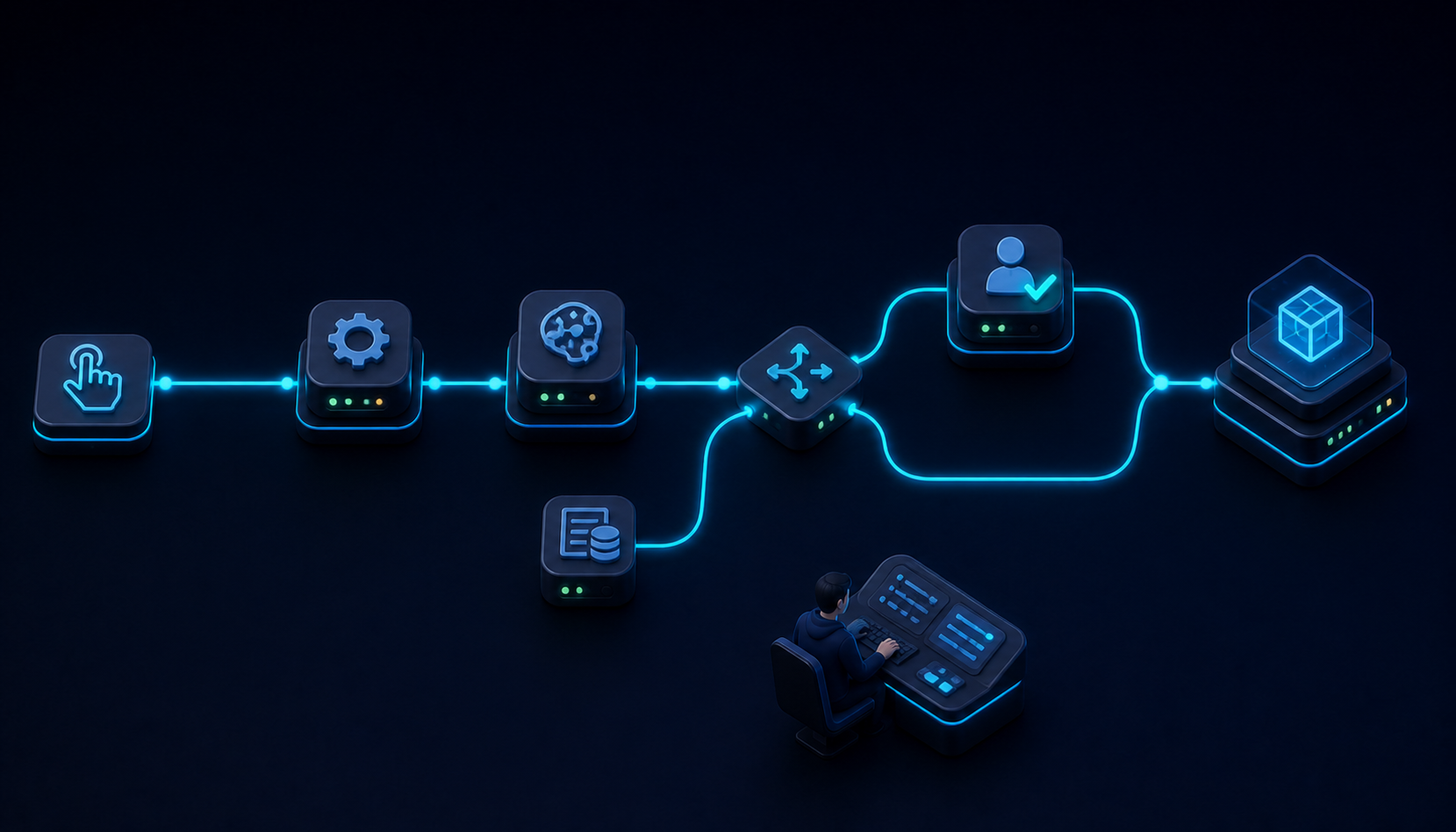
1. The Workflow Agent Execution Model
SitecoreAI positions workflow agents for structured, repeatable, multi-step processes where the execution path is explicitly designed. That is the first architectural choice to understand. A standard agent is appropriate when the model should decide how to approach a task. A workflow agent is appropriate when the sequence, checkpoints, and operational consequences must be controlled.
A workflow starts from a trigger, commonly a manual trigger in the editor. Each connected action then runs according to the graph. The workflow canvas is therefore more than a visual aid. It is the executable topology of the agent. The Properties pane defines what each node receives, what it does, and where it stores its result. The Runs view provides the operational record: inputs, outputs, status, and errors for each step.
The most useful mental model is a directed dataflow graph. Every node has a responsibility. Every edge implies an ordering dependency. Every output creates state that a later node can consume. A connector that looks harmless in the editor can therefore create a hidden coupling. If a downstream action expects a page identifier but receives the full response object from an upstream tool, the workflow is structurally connected but semantically broken.
That is why naming matters. Names such as Step 3, Result, and Output2 hide intent. Names such as Search Source Page, sourcePageId, and validatedBrief expose the contract. Clear names reduce the amount of interpretation required during debugging and make the workflow readable to someone who did not build it.
I prefer to design a workflow from the last irreversible action backward. If the final step updates a Sitecore page, sends a message, or calls an external system, I first define exactly what evidence must exist before that step is allowed to run. Then I build the validation and transformation chain that produces that evidence. This is safer than starting with generation and adding safeguards later.
A practical execution sequence
- Collect the user input and selected items.
- Resolve the target content item or page.
- Retrieve the current content and metadata.
- Normalize the result into a predictable internal structure.
- Generate the requested output.
- Evaluate the output against explicit rules.
- Branch to revision, manual review, or write-back.
- Save an artifact and return a clear run summary.
This sequence separates read operations from transformations and separates transformations from writes. That separation is one of the simplest ways to make a workflow safer.
2. Actions Are Executable Data Contracts
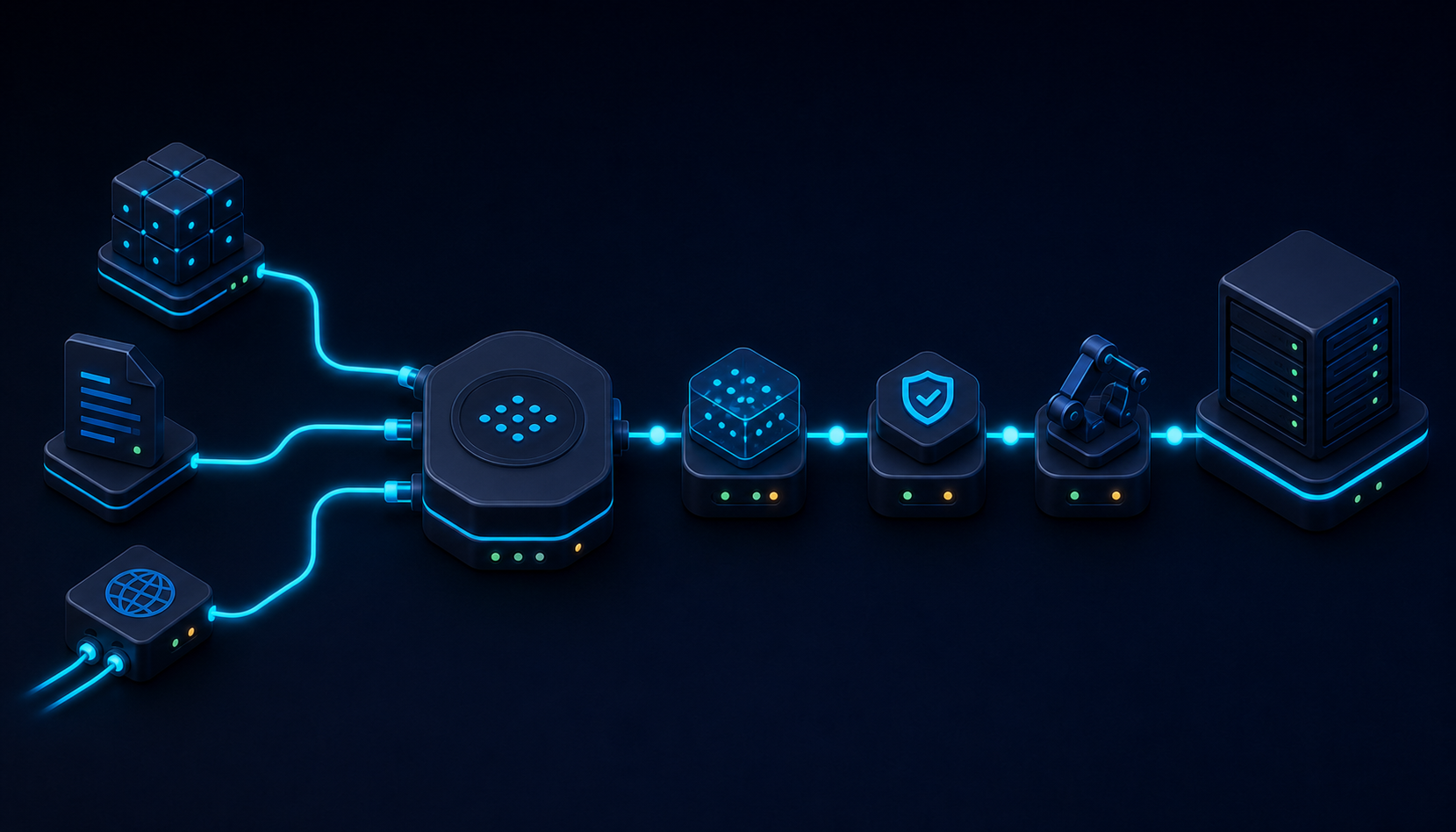
Actions are the units of execution in the workflow editor. SitecoreAI groups actions into categories such as agent invocation, content generation, control flow, data processing, HTTP, and variables. Examples include Invoke Agent, Generate Content, Compose Message, If/Else, For Loop, Go To Action, HTTP Request, Set Variable, Reset Variable, and Invoke Tool.
The action label describes the behavior, but the configuration defines the contract. For most actions, that contract includes an input, an output, instructions, and optional settings such as a model, schema, template, or artifact destination. The workflow succeeds only when those contracts line up.
Invoke Tool
The Invoke Tool action is the bridge between the workflow and SitecoreAI tools. A tool can search pages, retrieve content, create or update pages, validate changes, work with assets, or expose another product capability. The action receives JSON parameters and stores the response in a named output variable.
A typical successful response contains a success indicator and nested data. A failed response can contain a failure indicator and an error message. The exact shape varies by tool. That variability is why the next action should not assume that a useful value sits at the top level.
{
  "success": true,
  "data": {
    "itemId": "2ec4c935-...",
    "language": "en",
    "path": "/sitecore/content/Acme/Home/Products"
  }
}
If the next tool expects a page ID, pass the page ID string. Do not pass the complete response. In the Parameters editor, the @ picker can reference an upstream action and then select a specific field path. This is the workflow equivalent of mapping a typed object into a method parameter.
Generate Content
Generate Content is not a substitute for a contract. It still needs a well-defined input and output. The input should be the smallest complete package required for the generation task: normalized source content, audience, channel, language, tone constraints, and any facts that must not be altered. The output should have a clear name and, where possible, a schema.
Free-form output is convenient during exploration. Structured output is better for downstream automation. A JSON schema can make the generated result easier to validate and route. For example, a channel-content action might return headline, body, cta, claims, and confidence rather than one unstructured block of text.
Invoke Agent
Invoke Agent allows a workflow to call a standard agent as a subagent. This supports modular design. A sentiment classifier, compliance reviewer, or content summarizer can be maintained separately and reused. The workflow remains responsible for orchestration while the invoked agent remains responsible for its specialized task.
Modularity has a cost: the boundary must be explicit. The parent workflow should know what message it sends, what output it receives, and how it interprets failure or ambiguity. A subagent that returns prose such as “This looks mostly acceptable” is difficult to branch on. A subagent that returns a schema with decision, reasons, and requiredChanges is operationally useful.
HTTP Request
HTTP Request connects the workflow to an external API. It supports method, URL, headers, and body configuration. Upstream values can be inserted into the body through workflow references. This is powerful and dangerous. A malformed payload can fail harmlessly. A correct payload sent twice can create duplicate records, notifications, or external side effects.
Treat HTTP actions as integration boundaries. Validate the body before the request. Avoid embedding long-lived credentials directly in editable workflow content. Include an idempotency key when the receiving API supports one. Capture the response status and correlation identifier. Branch on the response rather than assuming success because the action executed.
3. Variables and the Flow of State

Variables are the workflow’s shared language. They carry user inputs, tool results, generated content, decisions, counters, and intermediate state. In a small workflow, variable management feels trivial. In a production workflow, poor variable design becomes one of the main causes of silent defects.
There are three useful categories of variables: inputs, derived values, and outputs. Inputs come from the run configuration, selected items, context, or parameters. Derived values are created by actions during execution. Outputs are the values intentionally exposed as the final artifact or result.
Use semantic names
A variable name should describe both meaning and shape. page is ambiguous. sourcePageResponse suggests a raw tool response. sourcePageId suggests a scalar identifier. sourcePageContent suggests the extracted content. This distinction makes field-path errors easier to detect.
I use suffixes to expose lifecycle and type when the editor does not enforce a type system:
...Requestfor a payload about to be sent....Responsefor a raw external or tool result....Idfor an identifier....Listfor a collection....Draftfor generated but unapproved content....Decisionfor a normalized branch value....Errorfor a captured failure description.
Normalize early
Tool responses can be deeply nested. Sitecore’s own Invoke Tool example demonstrates a field path that reaches through multiple data levels before selecting an itemId. Passing that nested shape through the entire workflow spreads knowledge of the tool’s response contract across many steps.
A better pattern is to normalize immediately after the tool call. Extract the fields that the workflow needs and store them under stable variable names. Downstream actions then depend on the workflow’s internal contract, not the raw tool response.
Raw tool response:
searchPageResponse.data.data.data[1].itemId

Normalized workflow variable:
sourcePageId
This is a form of anti-corruption layer. It protects the rest of the workflow from changes in a tool’s output shape and makes test runs easier to inspect.
Distinguish items from context
SitecoreAI distinguishes items from context when an agent runs. Items are the objects the agent acts on. Context is supporting material that guides the result. This difference should remain visible inside the workflow.
A selected CMS page is an item. A brand kit is context. A campaign brief may be an item in one workflow and context in another, depending on whether the workflow transforms the brief or merely uses it to guide generation. Mixing these concepts can produce subtle behavior: the workflow might generate an output for every selected object when the designer expected one combined result.
Reset deliberately
Reset Variable exists because stale state is a real concern in loops, retries, and alternative paths. A variable that held a previous iteration’s value can contaminate the next iteration if the action that normally replaces it is skipped. Reset temporary variables before a loop iteration or before returning to an earlier action through Go To Action.
Do not reset evidence needed for auditing. Keep the raw response, normalized value, decision, and error summary separate when operational traceability matters.
4. Branching: Turning Generation into a Controlled Process
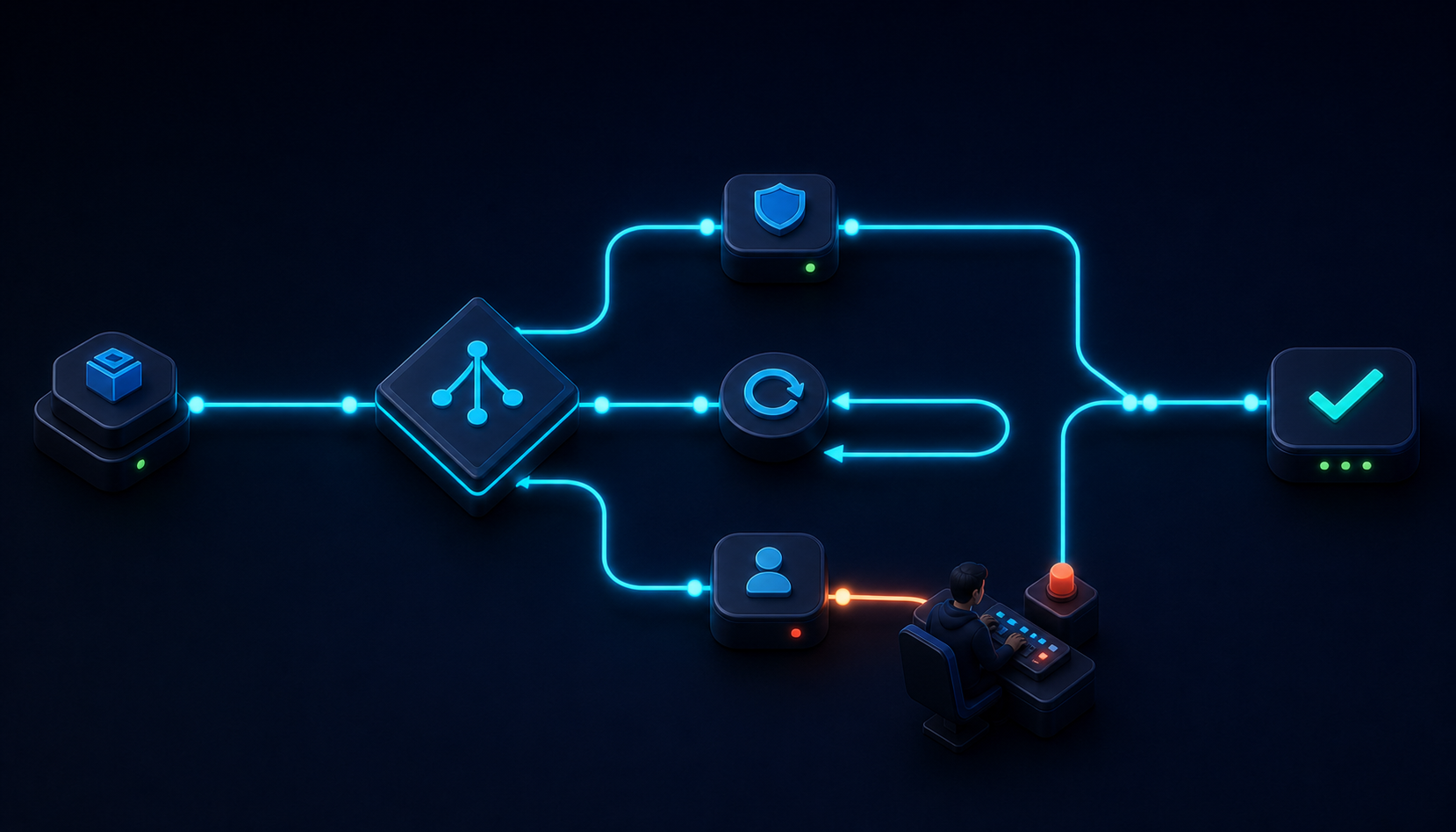
Branching is where a workflow becomes more than a linear content generator. If/Else, For Loop, and Go To Action allow the process to react to data. They also create most of the workflow’s complexity.
If/Else as a policy boundary
An If/Else branch should evaluate a normalized decision, not vague prose. Conditions such as validationDecision == "approved" are easier to reason about than conditions that search for a word inside an unstructured review.
Useful branch inputs include:
- Whether a tool response indicates success.
- Whether a required identifier exists.
- Whether generated output satisfies a schema.
- Whether a compliance review returned approved, revise, or escalate.
- Whether a content score meets a defined threshold.
- Whether the requested language or channel is supported.
A branch should represent a business rule. Document that rule in the node name. “If/Else 1” says nothing. “Is Source Page Resolved?” and “Does Draft Pass Quality Gate?” make the workflow self-explanatory.
For Loop and fan-out behavior
For Loop repeats a set of steps for each item in a list. Typical uses include generating content for multiple languages, channels, accounts, or pages. The main risk is unintended fan-out. Three pages multiplied by four languages and three channels creates 36 generated outputs. That may be correct, but it should be intentional.
Before adding a loop, calculate the upper bound of executions. Consider model cost, tool quotas, external API limits, artifact volume, and the effort required to review the results. Store an iteration key such as pageId-language-channel so each result can be traced to its source combination.
Within a loop, avoid mutable variables shared across iterations unless their reset behavior is explicit. Prefer per-iteration outputs and aggregate them at the end.
Go To Action and controlled retries
Go To Action can return execution to another step. This makes revision loops possible. For example, a quality reviewer can send an unacceptable draft back to Generate Content with the reviewer’s required changes.
Every retry loop needs a counter and an exit condition. Without one, a workflow can cycle indefinitely or repeatedly consume model and API resources.
revisionAttempt = revisionAttempt + 1

if qualityDecision == "revise" and revisionAttempt <= 2:
    go to Generate Revised Draft
else if qualityDecision == "revise":
    route to Manual Review
Two automated revisions are often enough to prove whether the process can self-correct. Beyond that point, another generation attempt may only vary the wording. Escalation is more useful than persistence.
Branch on evidence, not confidence theater
A generated confidence score is not automatically evidence. Unless it is calibrated against observed outcomes, it is another model output. Prefer deterministic checks where possible: missing fields, invalid JSON, unsupported language, character limits, prohibited claims, or a failed API status. Use model-based review for semantic issues that deterministic rules cannot capture, and keep the reviewer’s reasons.
5. Error Handling and Recovery
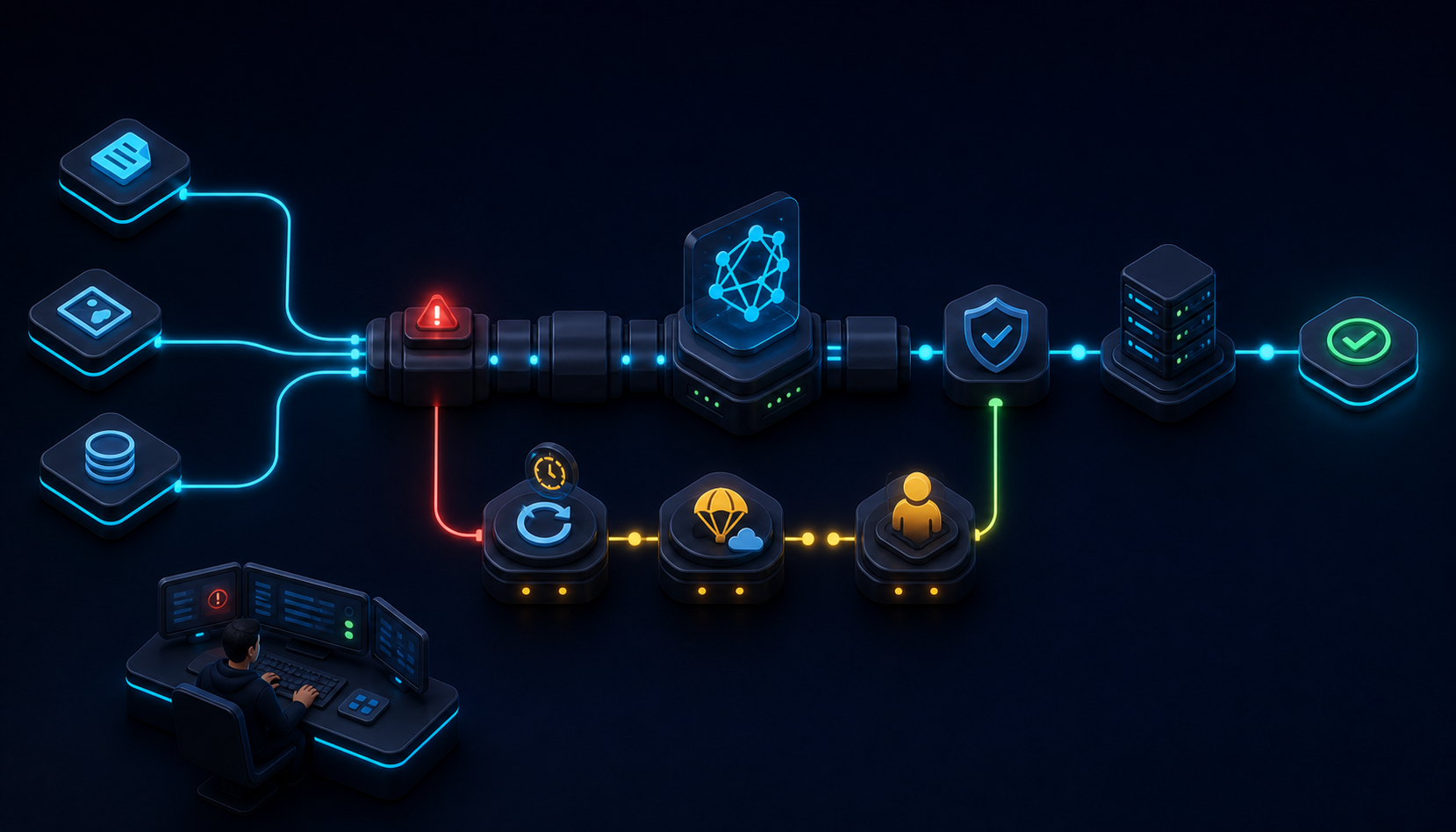
Error handling should be visible in the graph. A production workflow should not rely on the operator opening a failed run and guessing what to do next. The design should classify failures, preserve useful state, and choose a recovery path.
Four failure classes
| Class | Example | Preferred response |
|---|---|---|
| Input failure | Missing URL, unsupported language, empty selected item | Stop early with a precise user message |
| Contract failure | Expected item ID is absent from a tool response | Capture response, normalize error, route to diagnostic branch |
| Transient failure | Timeout, rate limit, temporary service error | Retry with a strict limit when safe |
| Business-rule failure | Draft violates policy or quality threshold | Revise, request approval, or stop without writing |
These classes matter because they require different behavior. Retrying a missing required input is pointless. Retrying a timed-out read operation may be reasonable. Retrying a write operation can be dangerous unless it is idempotent.
Fail before side effects
Place validation as close as possible to the source and before any write. Resolve the target page before generation. Validate the generated structure before invoking an update tool. Verify the update proposal before applying it. This reduces the number of expensive steps that run on invalid data.
Design for restart from a checkpoint
Sitecore’s guidance distinguishes workflow agents from standard agents partly through resilience. Workflow checkpoints can allow a process to resume from the last successful step after a failure, which is valuable when earlier steps are expensive or when repeating a side effect would be harmful.
Checkpoint-friendly design means each important output is stable and understandable. A saved research artifact, normalized source snapshot, approved draft, or recorded job identifier can become a restart boundary. A single massive action that researches, generates, validates, and updates content offers no safe checkpoint.
Idempotency for write actions
An idempotent operation can be repeated without creating additional unintended effects. Read operations are usually safe to retry. Writes are not automatically safe.
For an external HTTP call, send an idempotency key when supported. For Sitecore updates, use a correlation value, version marker, or operation record that lets the workflow determine whether the intended update already occurred. If the platform exposes a proposal/apply/revert pattern or job tracking, retain the job identifier in a variable and return it in the run summary.
Expose actionable errors
“Workflow failed” is not actionable. A useful error summary identifies the step, category, target, and next action.
Step: Update Target Page
Category: Contract failure
Target: /Products/Solaris
Reason: update tool returned success=false
Correlation: job-94d13
Next action: inspect the update proposal and retry from validation
Do not expose secrets, authorization headers, or personal data in user-facing messages. Keep technical diagnostics in the run details and return a sanitized operational summary.
6. Testing and Observability Through the Runs View
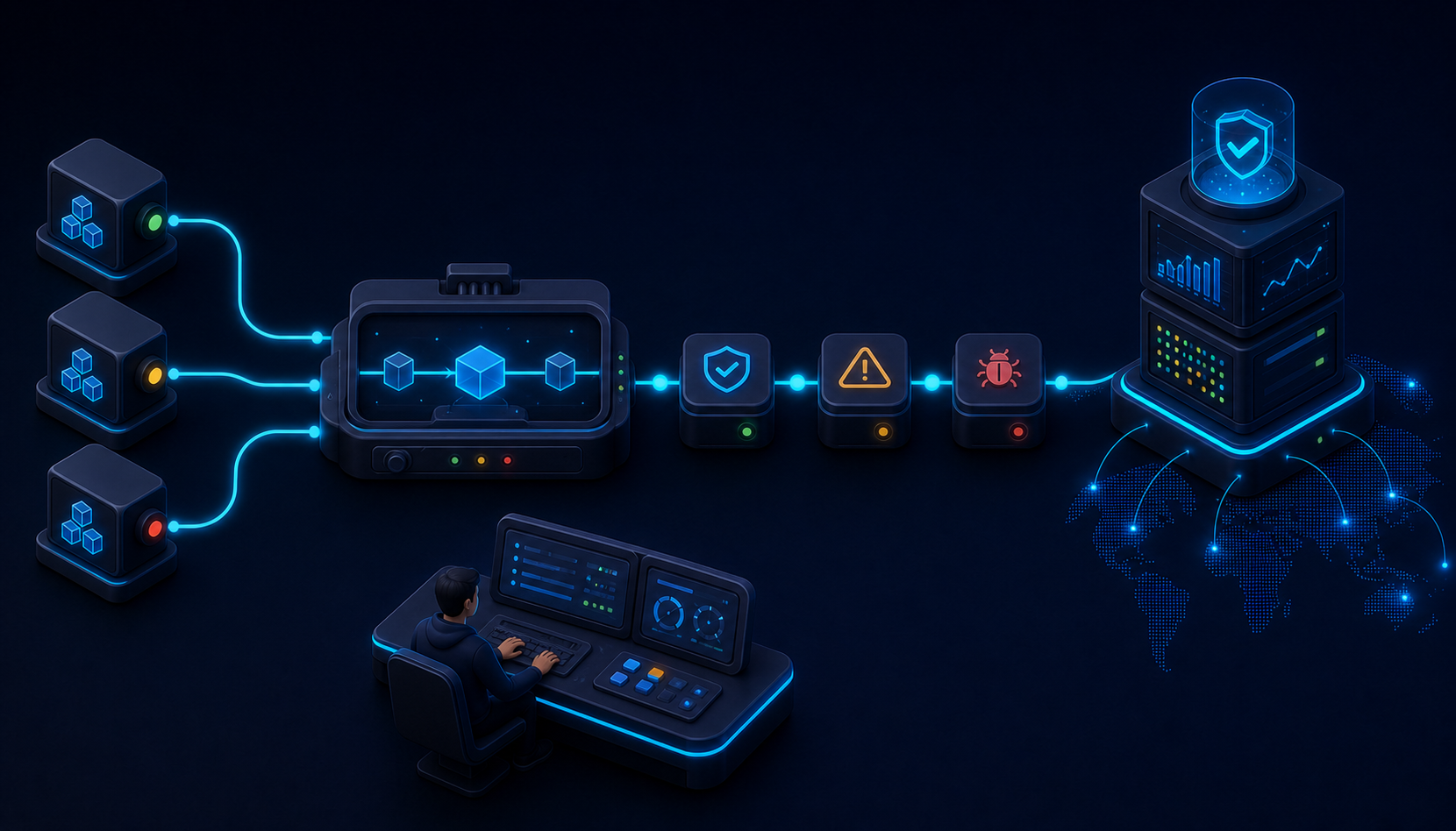
SitecoreAI lets builders run a workflow from the canvas and inspect individual steps in the Runs tab. This is the primary debugging surface for workflow agents. Standard agents do not expose the same step-by-step debugging model, which is another reason to choose a workflow agent when operational transparency matters.
Testing should not begin with the happy path alone. Build a compact scenario matrix.
| Scenario | Expected path | Assertion |
|---|---|---|
| Valid page and supported language | Generate, validate, write | One output and one write |
| Page not found | Stop after resolution | No generation and no write |
| Tool returns nested response | Normalize response | Exact page ID reaches next action |
| Draft fails policy | Revision branch | Retry count increments |
| Revision limit reached | Manual review | No write |
| External API times out | Bounded retry or failure | No duplicate side effect |
Inspect shapes, not just values
When debugging, inspect whether an output is a string, object, array, or nested envelope. Many workflow failures occur because the value is technically present but has the wrong shape. The tool output might contain the identifier under a second or third data property. The next action might receive the serialized object instead of the scalar field.
Record the path taken
A workflow with branches should return a run summary that describes the path: resolved source, generated draft, revision count, quality decision, write status, and artifact identifier. This reduces the need to inspect every step for successful runs and helps operators compare behavior across versions.
Version workflow contracts
Workflow behavior changes when a prompt, schema, field path, tool, or branch condition changes. Treat those changes as versions. Record the workflow version in the final output or artifact metadata. When a defect is reported, the version is often as important as the user input.
I recommend testing after every structural change, not after the entire graph is complete. Add one action, run it, inspect the output, normalize it, and then connect the next action. This feels slower during the first hour and is faster over the life of the workflow.
7. A Reference Pattern for a Production Content Workflow
Consider a workflow that creates a localized campaign page variant from an existing SitecoreAI page. The user selects a source page and provides a target language. The workflow must retrieve the source, generate the variant, review it, and update a target page only when approved.
- Manual Trigger: receives the selected source page and
targetLanguage. - Set Variable: initializes
revisionAttemptto zero and creates a run correlation key. - Invoke Tool — Get Page Content: retrieves the source page.
- If/Else — Source Resolved: stops with an actionable error when the page is missing.
- Normalize Source: extracts the title, body, metadata, source ID, and language.
- Generate Content: creates a structured localized draft using the source and brand context.
- Invoke Agent — Quality Reviewer: returns
approved,revise, ormanualReviewplus reasons. - If/Else — Quality Decision: routes approved content to write-back, revision to a bounded loop, and ambiguous results to manual review.
- Invoke Tool — Update Page: applies the approved content.
- Save Document: stores the source snapshot, approved output, and decision record.
- Compose Message: returns a concise summary with the target, status, artifact, and job identifier.
The graph should also include explicit error paths from the retrieval and update operations. The update branch should receive only the approved structured content and the exact target identifier. It should not receive the entire run context.
Example internal contract
{
  "runId": "loc-2026-08-06-0017",
  "sourcePageId": "2ec4c935-...",
  "targetPageId": "8394a11d-...",
  "targetLanguage": "es-EC",
  "draft": {
    "title": "...",
    "body": "...",
    "metadata": { "description": "..." }
  },
  "qualityDecision": "approved",
  "revisionAttempt": 1,
  "updateJobId": "job-94d13"
}
This contract is intentionally boring. Boring is useful. It makes branch conditions obvious and gives every operationally important value a stable location.
Practical Conclusions
The quality of a SitecoreAI workflow agent depends less on the cleverness of its largest prompt and more on the precision of its boundaries. Actions should have narrow responsibilities. Variables should expose meaning and shape. Branches should implement explicit policies. Retry loops should be bounded. Write operations should be protected by validation, checkpoints, and idempotency controls.
The most important implementation habit is to inspect the exact output of every action before wiring the next one. Use the Runs view. Confirm field paths. Normalize nested responses. Keep raw tool output separate from stable workflow variables. Make the failure path as deliberate as the success path.
A good workflow agent is explainable from the canvas. An operator should be able to answer five questions without reading every prompt: What starts the process? What data does each step consume? Which conditions change the path? What can be safely retried? What evidence allows the final side effect?
When those answers are visible, the agent becomes maintainable infrastructure rather than an opaque AI experiment.
References
- Sitecore Documentation: Create a workflow agent.
- Sitecore Documentation: Available actions in the workflow editor.
- Sitecore Documentation: Using Invoke Tool in a workflow.
- Sitecore Documentation: Using HTTP Request in a workflow.
- Sitecore Documentation: Troubleshoot agents.
- SitecoreAI Changelog, March 30, 2026: More customizable agents, spaces, and content workflows.